 Lettuce Business
Your business,
in Lettuce.
The details that make your business yours.
Keep them together, and make it easier for customers to connect.
Free to get started. Managed in Lettuce Space.
Make a good
first impression.
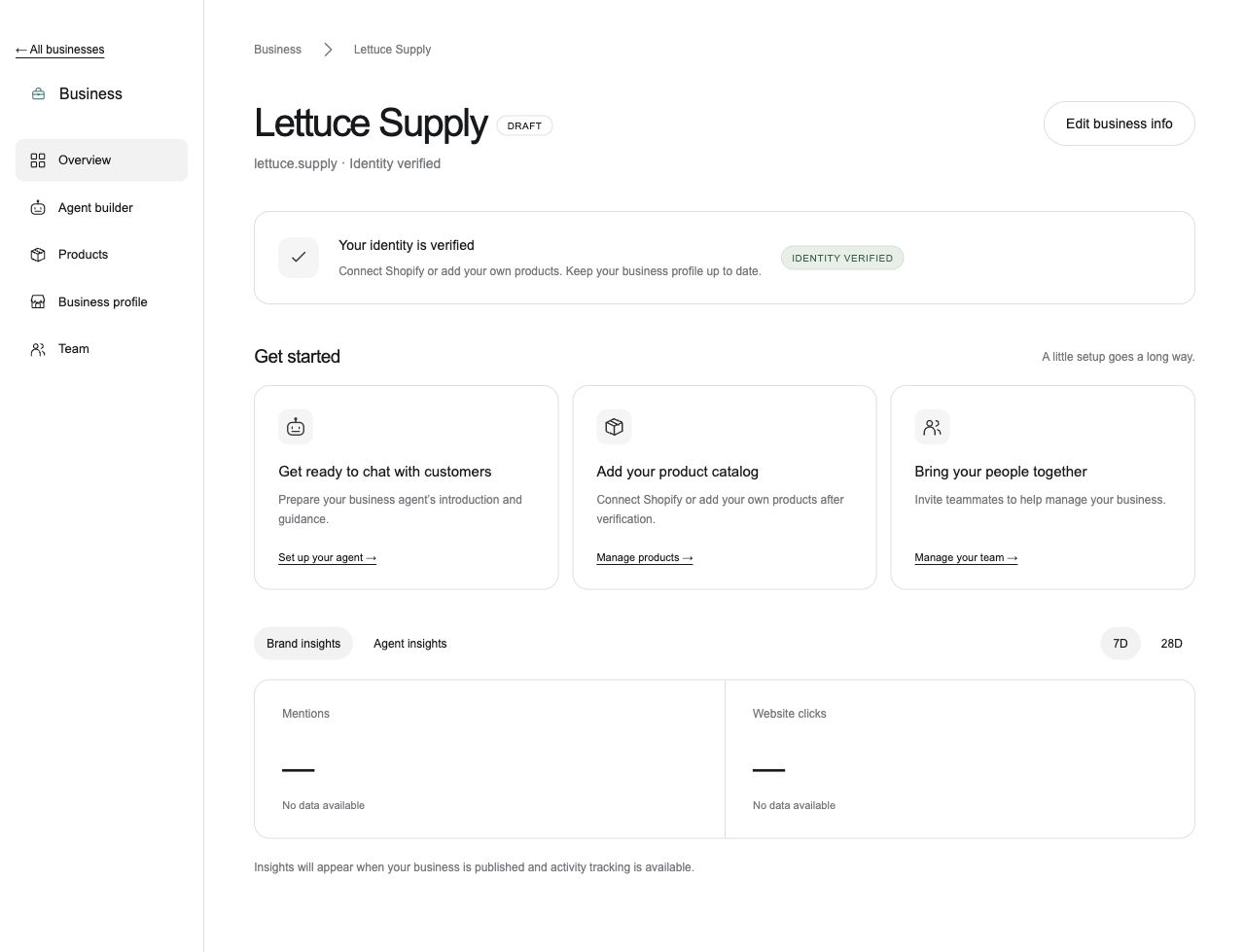
Your name, your website, your story. Keep the information people need in one place — from how to get in touch to your delivery and return policies.
Claim your business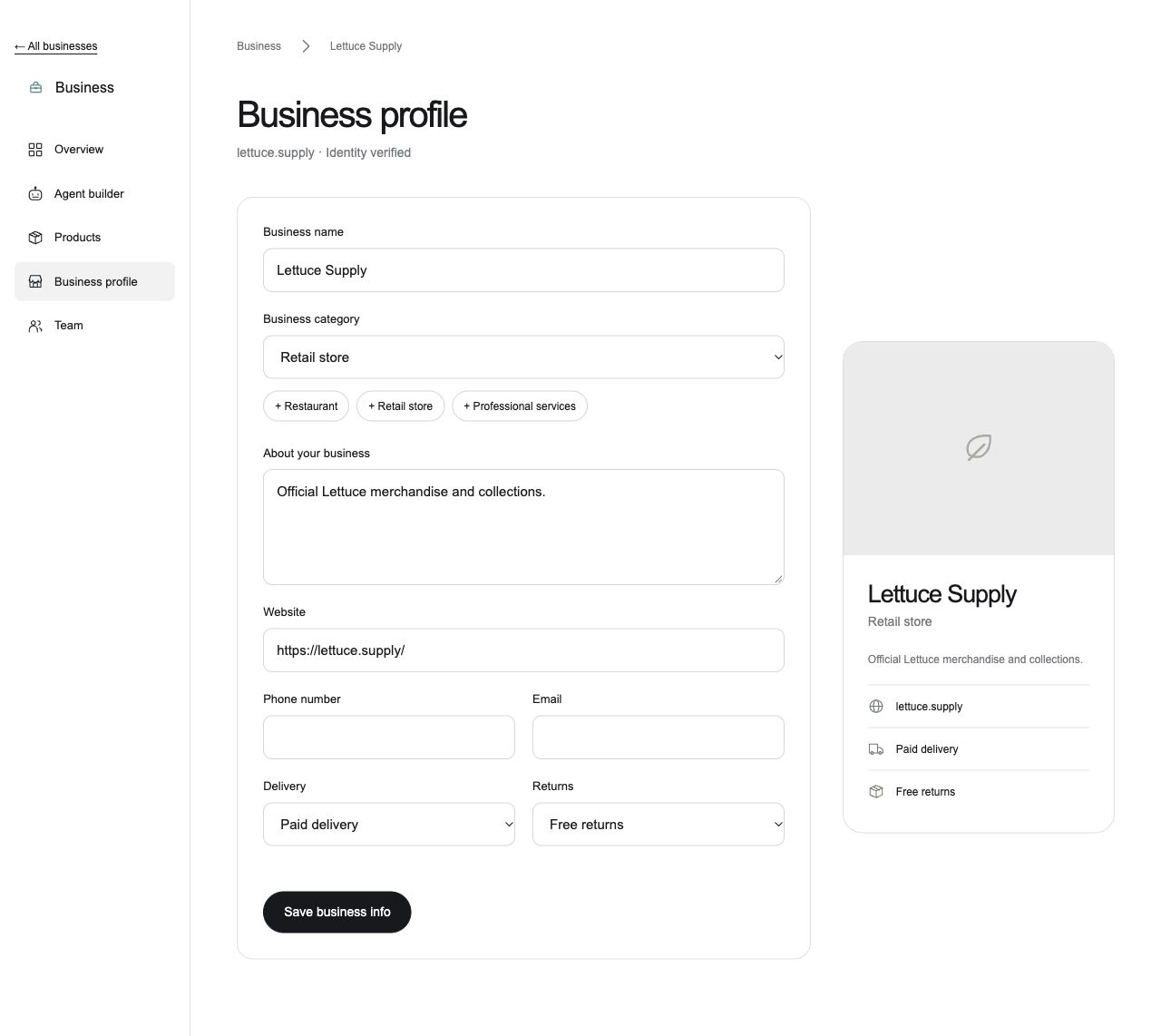
A clearer picture
of what you offer.
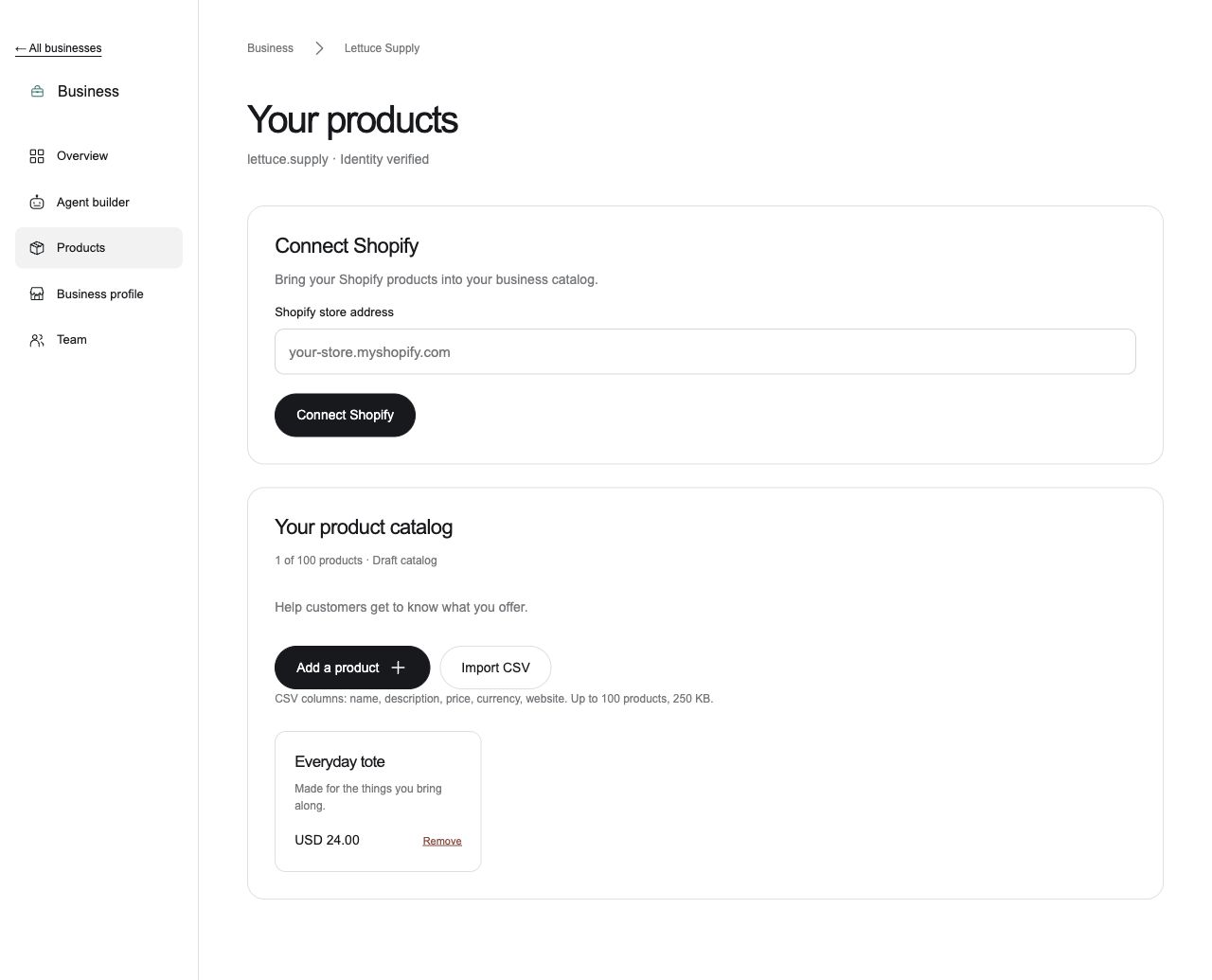
Bring your products together with the details that matter. After the owner passes a live identity check with Didit, connect Shopify, add items individually or import a catalog. Keep names, descriptions, prices and links up to date.
Build your business profileA place for the
people behind it.
Open Business from the app menu in Space. Manage your profile, invite your team, and prepare your business agent’s greeting and guidance from the same workspace.
Open Business in Space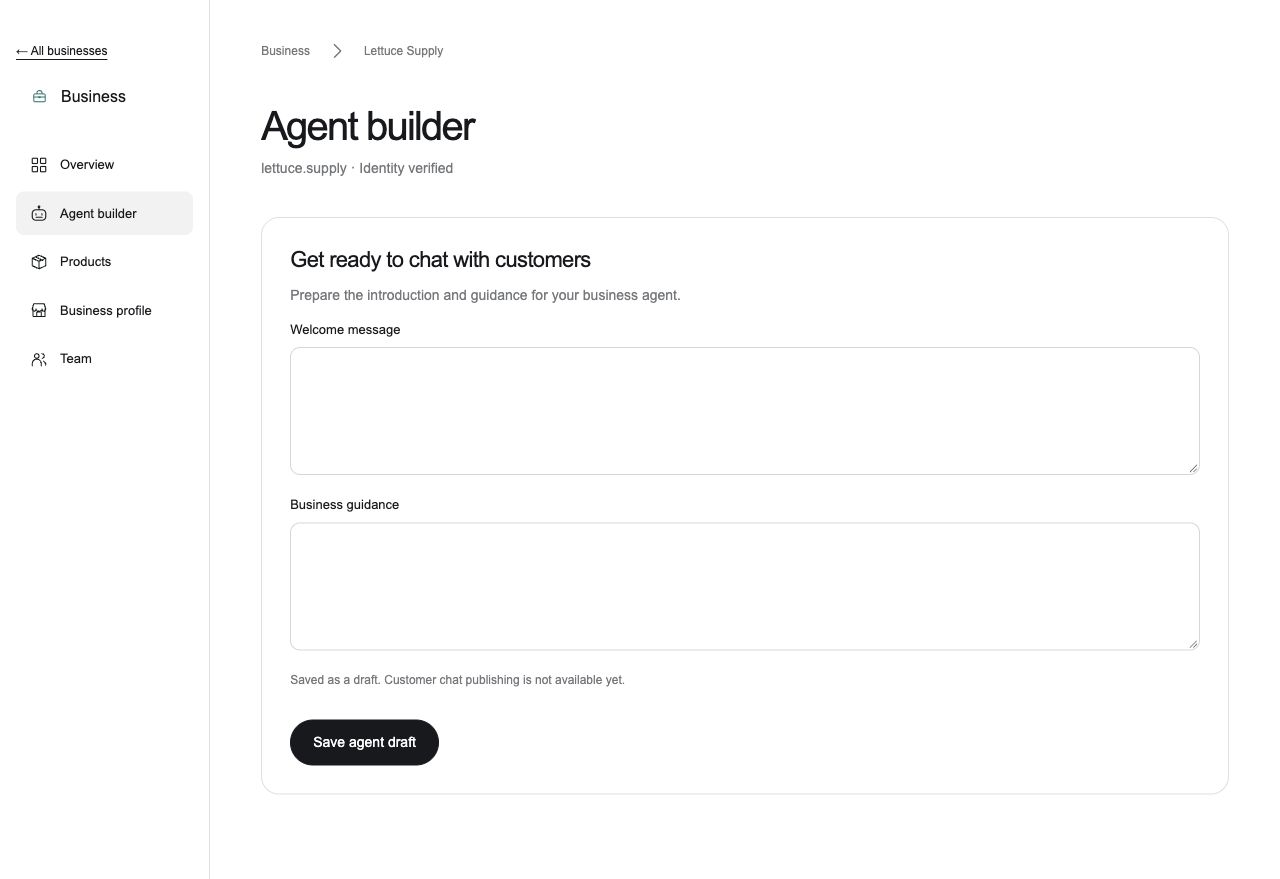
Make it yours.
One step at a time.
Find your business, confirm the details, and give it a home in Lettuce.
Find your business
Search existing listings, or add your business if it’s new to Lettuce.
Make your profile yours
Add your website and confirm control with a DNS TXT record. Share your category, contact details, delivery options and return policy.
Manage it in Space
Save your profile as a draft. From your dashboard, the owner can start a separate Didit identity check. Product tools require approval from a live check.
A few things
to know.
Who can add or claim a business?
You should own the business or be authorized to represent it. Start by finding an existing listing or adding your business, then review its details. The business owner completes the identity check.
What if I can’t find my business?
Choose “Add a business” in Space. The first directory is a limited pilot across ten US metro areas, so some businesses won’t appear in search yet.
How do I verify my website?
After adding your website, copy the DNS TXT record into your domain provider’s settings and check it in Space. This confirms control of that website. It is separate from the owner’s identity check.
How do I verify my identity?
Save your business profile, then open the Didit identity check from your business dashboard. Verification currently runs in Sandbox test mode. Test results do not verify a real identity or unlock Shopify and product tools. Those tools require an approved live Didit check.
Does it cost anything to get started?
Creating your business profile is free. Add your details, invite teammates, and save your business agent’s guidance as a draft. You can also try the identity flow in Sandbox test mode using sample data.
When will my business go live?
Your profile is saved as a draft. Website confirmation and identity checks do not publish it. Public business publishing, customer-facing agents and activity insights are not available yet.
Lettuce Business